
Pure Projects
Plan the build. Then run it.
The construction record for the job. Set it up, write the phase plan, hold the gates, keep the methods and the drawings current, and hand over a file the client can use. It is not a cost system.
The benefit
You can see why a job is stuck, on the day, not in the Friday report.
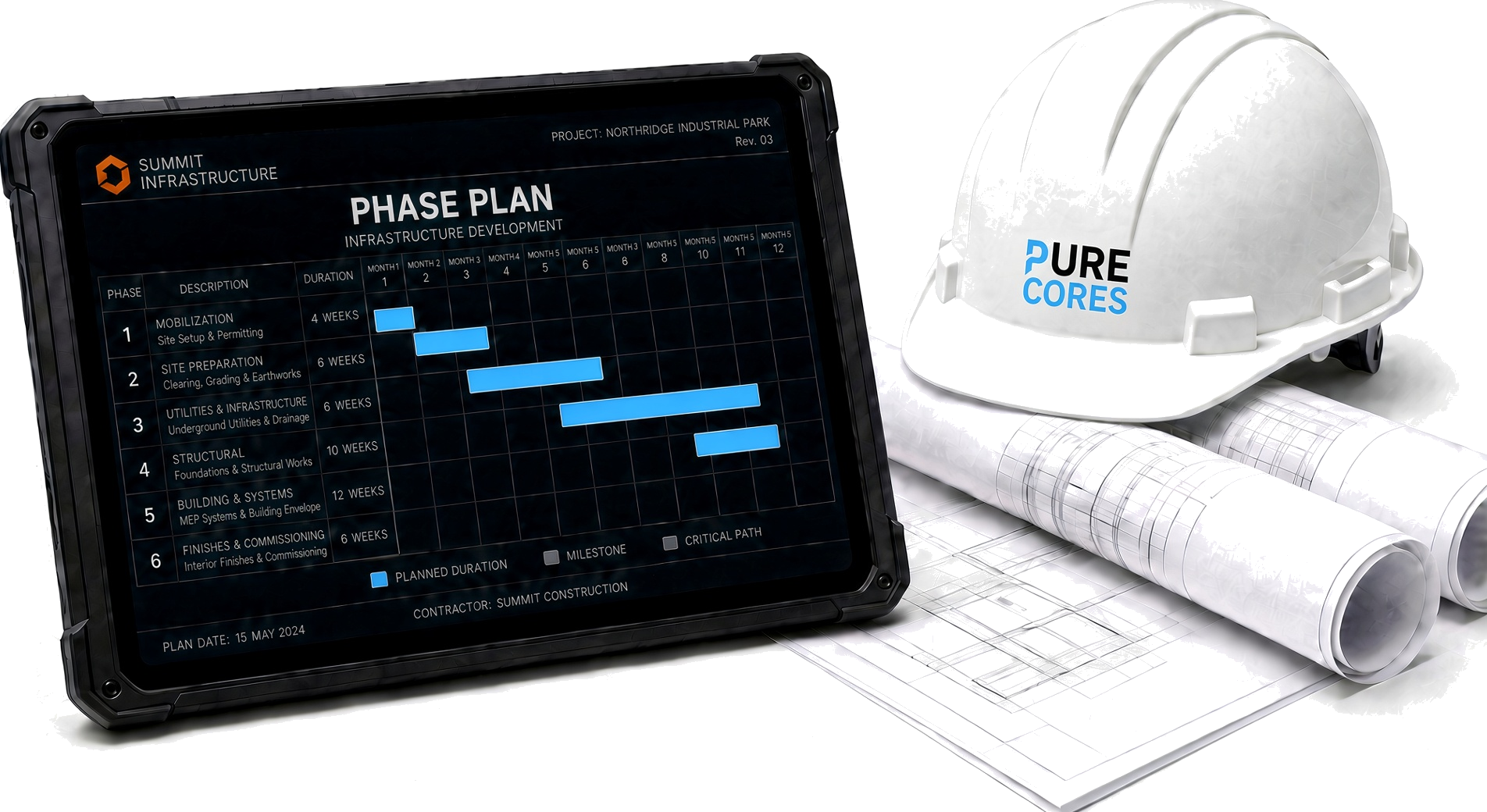
The plan is the record
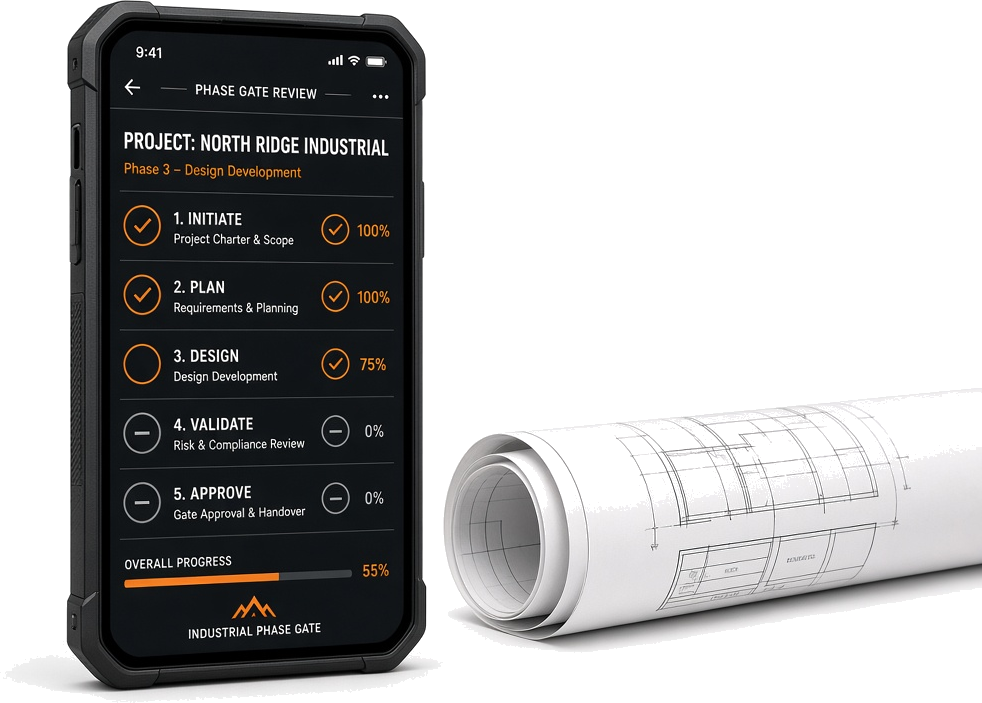
Phases, gates, RAMS, and drawings sit on one job. An open gate is the reason the next step has not started.
Draft is not the method
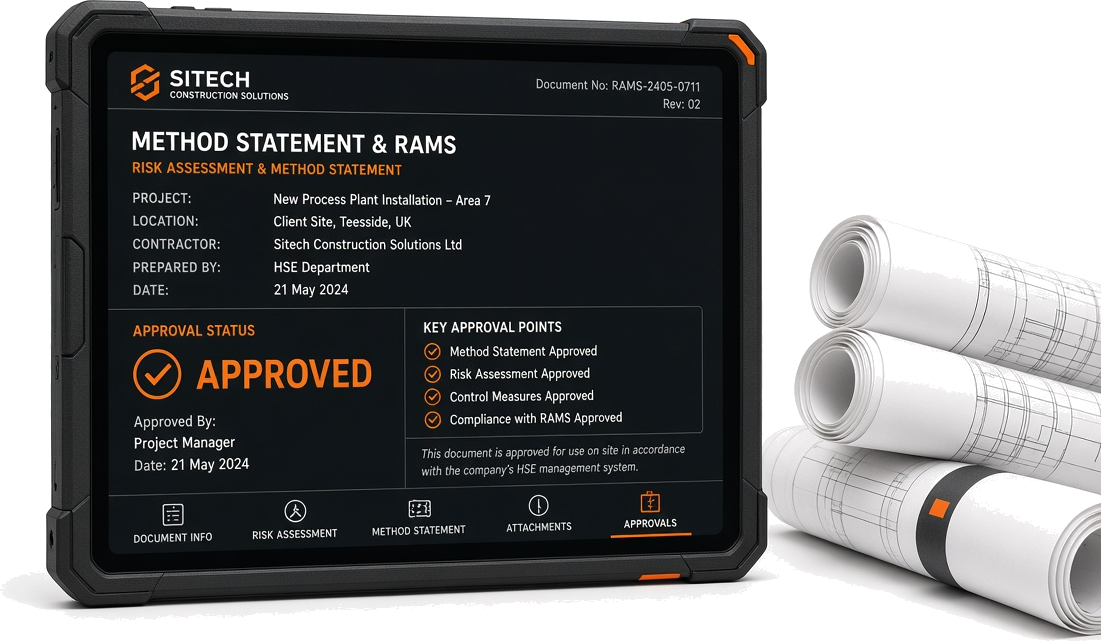
A RAMS still in draft cannot be mistaken for the method the gang is using. Approved means it was signed for this job.
The field has the current set
Drawings and the phase plan are versioned. The supervisor is not working from last month’s PDF.
Safety and the programme agree
The gate, the permit, and the safety action sit on the same job. A delay is visible on the day.
The file is already built
Handover is compiled from the records the site used. The job does not close on a missing pack.
What it is
The job, from plan to handover.
Pure Projects is the construction record. You set the job up, write the phase plan, hold the gates, keep the RAMS and the drawings current, log the day, and hand over a file. It sits next to Pure Safety. A permit and a gate are on the same job.
It is not a cost system, a full programme tool, or a commercial suite. Those live elsewhere. This is the part of the project that decides whether the next step is allowed to start, and that keeps the plan the site is actually using.
Under CDM 2015
- 01The principal contractor has to plan, manage, and monitor the construction phase. The phase plan is that plan, kept current.
- 02Pre-construction information is what the job starts from. Hazards already known, and what the designers have to hand over.
- 03Inductions, competence, and welfare are duties on the site. They are gates, not a poster.
- 04The health and safety file is the pack the client gets. The job does not close while it is missing.
A job through the app
From plan to build to handover.
01
Plan
Set the job up. Pre-construction information in. Design risks accepted. Phase plan written. F10 prepared if the job is notifiable.
02
Set the gates
Inductions, permits, scaffold handover, power-on, and the ones this job needs. Each has an owner. The next step waits.
03
Build
RAMS approved for the task. Drawings current. People signed onto the method they are using. The diary written the same day.
04
Hand over
The health and safety file: drawings, residual risks, how to maintain it. The job does not close on a missing pack.
What the app does
Ten parts of the job. Each one has its own page. Programme, cost, and commercial sit elsewhere.
- Set the job upThe project exists before the first person arrives.
- Pre-constructionWhat the job starts from.
- The phase planHow health and safety will be managed on this job, kept current.
- Gates and hold pointsThe next step does not start while one in front of it is open.
- RAMS and methodsThe method for the task, specific to this site.
- Drawings and documentsThe current set, not the one from last month.
- Inductions and competenceWho is cleared to be on this site, and who is not.
- The site diaryWhat happened on the job that day.
- Changes to the planThe job changes. The plan has to move with it.
- HandoverThe pack the client gets, and the file the job closes on.
What it is not
Honest about the limits.
Not a cost system
Budgets, valuations, and commercial variations live elsewhere. This is the construction and safety record.
Not a full programme tool
It holds the phases and the gates. It is not Primavera or a Gantt for every trade.
Not a drawing vault alone
Drawings are versioned and linked to the task. They are not a folder of PDFs.
Not a replacement for the duty
The principal contractor still plans, manages, and monitors. The app holds the record of that.